Remove attachments by size
This action lets you remove attachments from an email based on their file size.
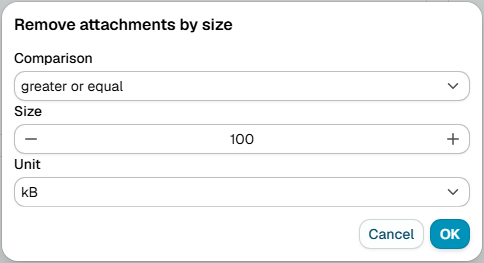
Compare
Set how to compare the attachment size:
- Greater or equal - At least the specified size
- Greater than - Larger than the specified size
- Less or equal - No larger than the specified size
- Less than - Smaller than the specified size
- Equal - Exactly matches the size you specify
- Not equal - Any size except the one you specify
Size specification
Enter a number and select the unit:
- B - Bytes
- kB - Kilobytes (1 kB = 1,024 bytes)
- MB - Megabytes (1 MB = 1,024 kB)
- GB - Gigabytes (1 GB = 1,024 MB)
note
Messages in a signed or encrypted container (S/MIME, PGP/MIME) are left untouched, because removing their parts would break the signature or the encryption. A message whose text merely begins with a typed PGP armor line does not count. The trace of a skipped action says that a rule on Message type Signed or Encrypted can block, quarantine or report such messages.