Save attachments
This action lets you save attachments from an email message to a specific folder on the mail server. It's useful for automatically storing files for backup, review, or external processing.
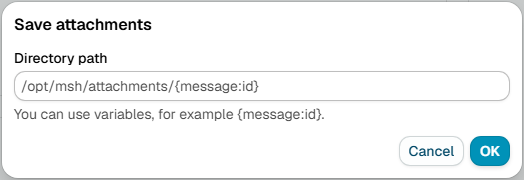
Directory path
note
The path must be located on the mail server and must have write permissions for the msh user.
Path where attachments should be saved.
Example:
/var/mail/attachments/{message:id}
info
Variables can be used in Directory path field.
Additional resources
- How to use Variables