Recipient in address list
Matches a recipient whose address is on one of the chosen address lists. It is In address list in the Recipients group of the Add menu and is offered from the Recipient stage on.
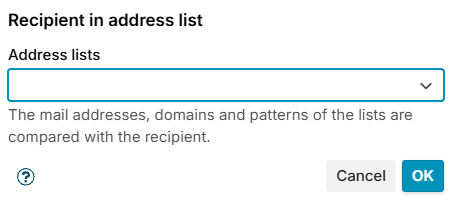
Choose one or more lists in Address lists. The mail addresses, domains and patterns of the lists are compared with the envelope recipients (RCPT TO); their addresses and networks are not. The entries match as for Sender in address list.
At the Recipient stage the condition looks at the one recipient being asked about, and a rule that matches refuses only that recipient. At Data and in the Limit rules it matches when any recipient of the message is on a list.
The conditions table shows the condition as Recipient in address list: Internal only.
Example
Keep internal-only addresses from receiving mail from the internet: put them on a list Internal only, then add a rule at Recipient with the conditions Recipient in address list Internal only and Received through Incoming.