Number of recipients
Matches by how many recipients the mail server accepted for the message: the envelope recipients (RCPT TO), not the addresses in To and Cc. It is in the Recipients group of the Add menu and is offered at the Data stage and in the Limit rules, the only places where every recipient is known.
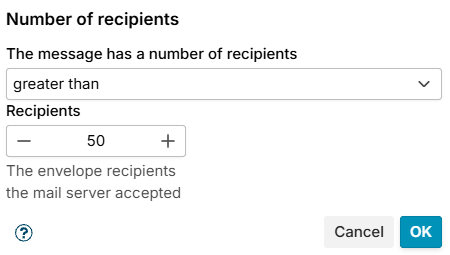
Choose a comparison in The message has a number of recipients - equal, not equal, greater than (default), greater or equal, less than or less or equal - and the number in Recipients (default 50).
Recipients refused at the Recipient stage are not counted.
The conditions table shows the condition as Number of recipients greater than 50.
Example
Refuse mail from the internet to more than 50 of your users at once: a rule at Data with the conditions Number of recipients greater than 50 and Received through Incoming.