HELO name
Matches the name the client gives in HELO or EHLO. It is in the Connection group of the Add menu and is offered from the HELO stage on.
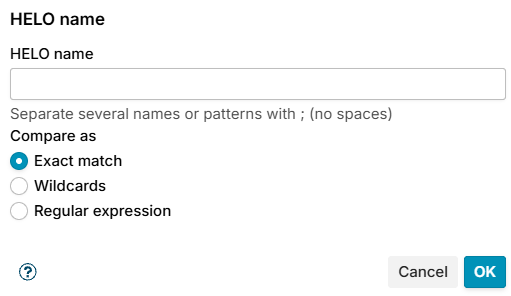
Enter the names in HELO name, several separated by ; without spaces, and choose how they are compared in Compare as:
- Exact match (default) - the whole name, for example
mail.example.com. - Wildcards -
*stands for any text, for example*.example.com. - Regular expression - for example
^\[?[0-9.]+\]?$for a bare IP address.
The whole name must match, and case does not matter.
Example: refuse clients that pretend to be you
A spam client often greets with your own host name or domain. Your own servers do so too, so leave them alone:
- Open SMTP Rules > HELO and add a rule.
- Condition HELO name, Exact match:
mail.example.com;example.com. - Exception Client address in the list Trusted networks, and exception Authenticated user with logged in, with any account.
See cbpolicyd HELO checking for more on what a HELO name tells.