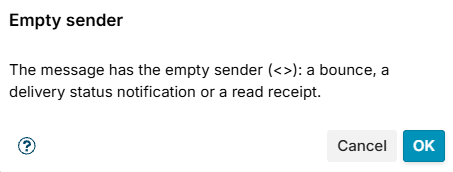
Empty sender
Matches a message with the empty sender (<>) in MAIL FROM: a bounce, a delivery status notification or a read receipt. It is in the Sender group of the Add menu and is offered from the Sender stage on. It has nothing to set.
Mail with the empty sender must be accepted for your users to learn that their mail was not delivered, so refuse it only together with other conditions. Typical uses:
- Refuse bounces to more than one recipient at Data: condition Empty sender and condition Number of recipients greater than
1. A genuine bounce goes to one address. - Leave bounces out of a limit: exception Empty sender.