Access control
The Access Control page lets you manage the accounts used to log in to the administrator panel. It is available to administrators only.
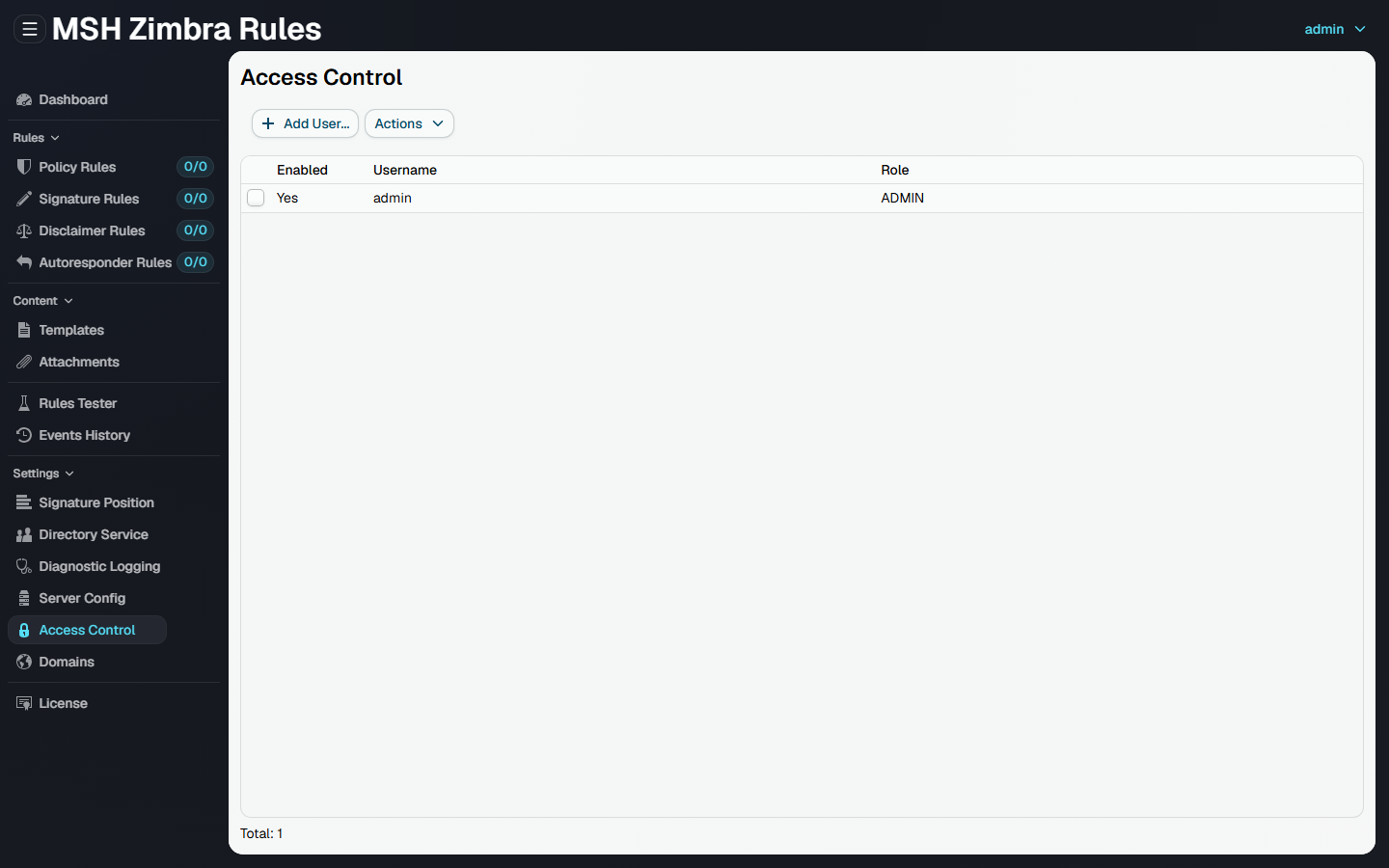
The list shows each account with its username, role, and whether it is enabled.
On the first start the application creates a default administrator account admin with password admin, see Log in.
Add user
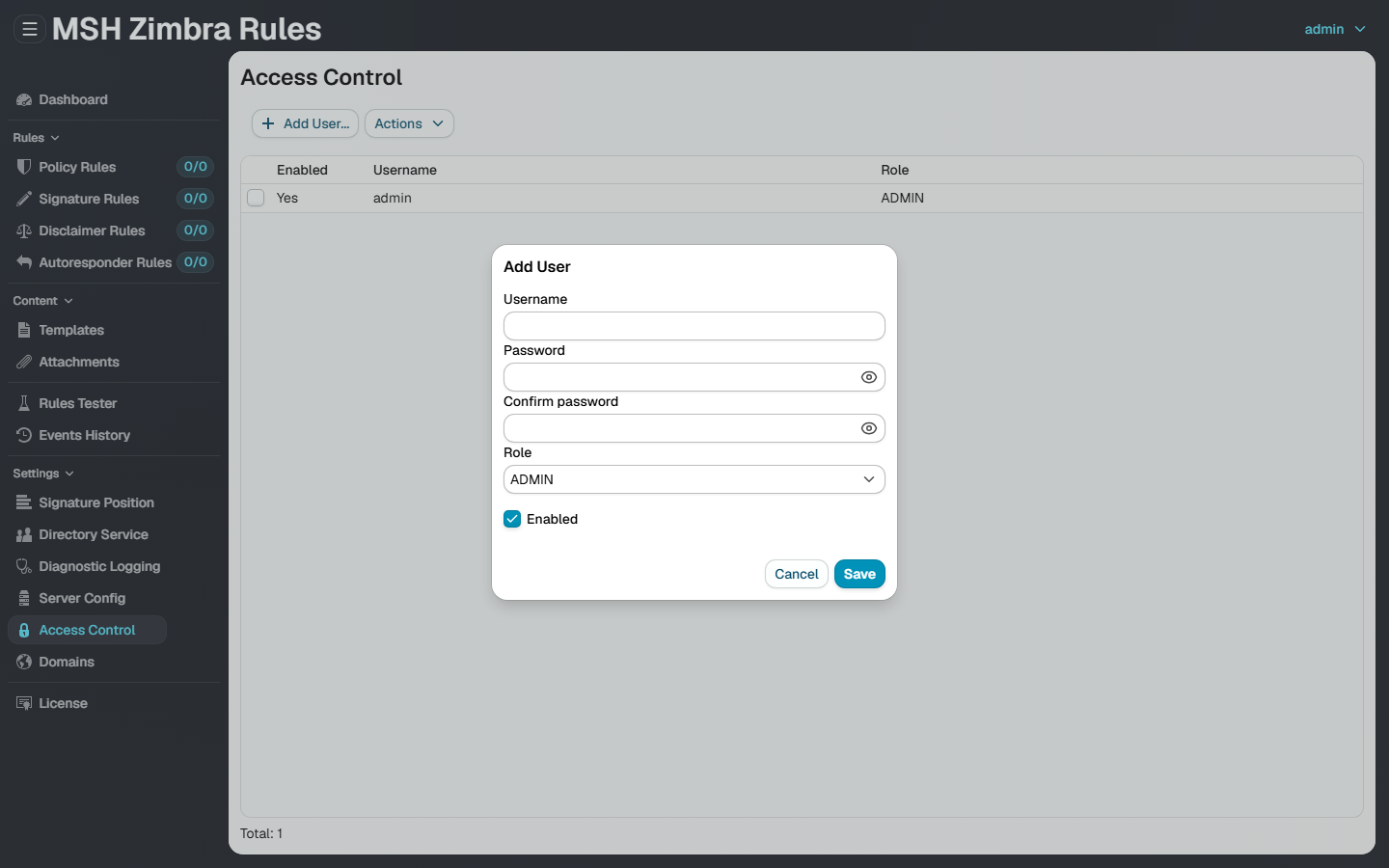
Click Add User... and provide:
- Username and Password (with confirmation).
- Role -
ADMINorUSER. Administrators see everything; users do not see the administrator-only settings pages (Signature Position, Directory Service, Diagnostic Logging, Server Config, Access Control). - Enabled - a disabled account cannot log in.
Edit and remove
Select an account and use the Actions menu to Edit..., Enable / Disable, or Remove it. When editing, leave the password fields blank to keep the current password.
warning
Change the default admin password right after installation.
Additional resources
- Log in - how to open the administrator panel
- Reset credentials - if you forget your username or password