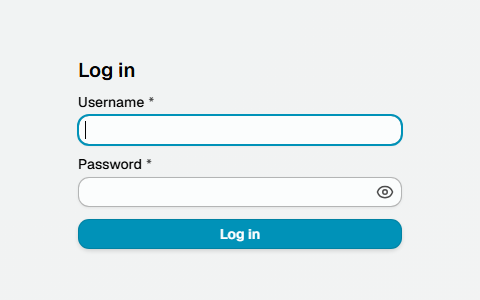
Log in
The administrator panel is a web application served by the mail server itself - there is nothing to install on your workstation.
Before you can log in, the server must be installed, see Install server.
Address
Open the administrator panel in a browser:
http://<mailserver>:7081
Replace <mailserver> with the hostname or IP address of the mail server where the application is installed. 7081 is the default web port; it can be changed in /opt/msh-zr/etc/config.cf.
Default credentials
On the first start the application creates a default administrator account:
- Username:
admin - Password:
admin
Change the default password right after the first login. Use the user menu in the top bar to change your own password, or manage accounts on the Access control page.
Additional accounts can be created on the Access control page.
HTTPS
By default the administrator panel is served over plain HTTP. To serve it over HTTPS, configure a PKCS12 keystore in /opt/msh-zr/etc/config.cf. A self-signed certificate can be generated on the mail server with the bundled tool:
/opt/msh-zr/bin/gen-cert
With HTTPS enabled, open https://<mailserver>:7081 instead.
Additional resources
- Install server - how to install the application on the mail server
- Access control - manage administrator panel accounts