Diagnostic logging
The Diagnostic Logging page lets you configure how the application captures and stores message processing logs. Use it to troubleshoot issues by tracing how individual messages flow through the system.
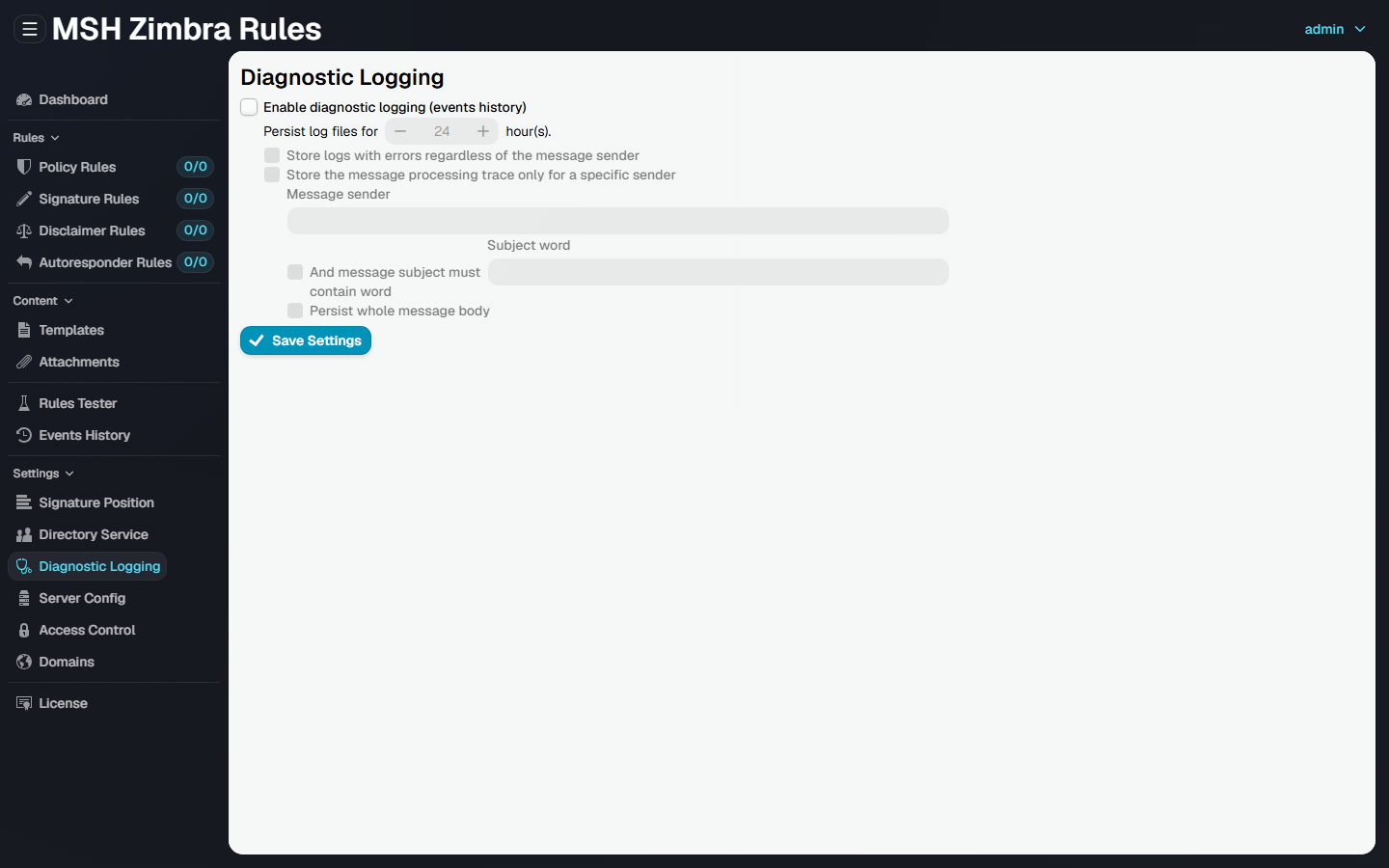
Enable diagnostic logging (events history): When enabled, the application captures message processing events and shows them on the Events history page.
Persist log files for [ X ] hour(s): Log files older than the configured retention period are removed automatically.
Store logs with errors regardless of the message sender: Always save logs for messages that result in errors, even if the message sender is not included in other filters.
Store the message processing trace only for a specific sender: Record full message processing traces only for the specified message sender (enter the sender email address to apply this filter).
And message subject must contain word: Apply an additional condition so traces are stored only when the message subject contains the specified keyword.
Persist whole message body: Save the full message body for messages that match the configured sender filter. The message subject must contain the word MSH.
Click Save Settings to apply the changes.
Additional resources
- Check Events history