New message
The New message action sends a brand-new email when a policy rule matches. The new message is independent of the message that triggered the rule - you define its own recipients, subject, body template, attachments and headers.
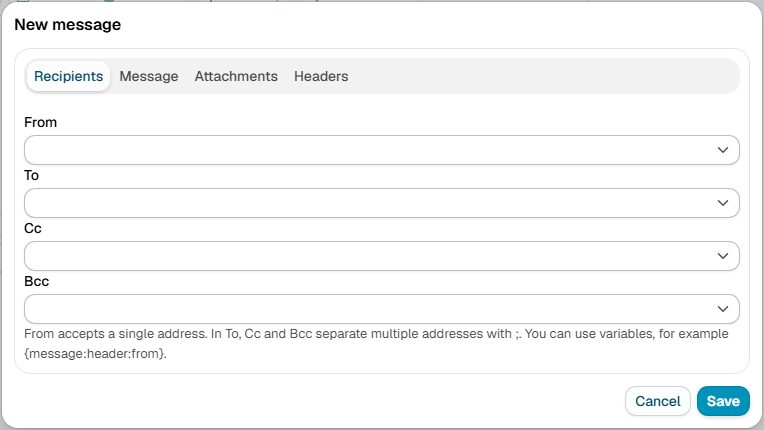
The settings are grouped into tabs.
Recipients
- From - the sender address. A single address.
- To - one or more recipient addresses.
- Cc - one or more carbon-copy addresses.
- Bcc - one or more blind carbon-copy addresses.
Type addresses manually, separating several with a comma or semicolon, or click User... to pick them from the directory. For To, Cc and Bcc the picked address is added to the field; for From it replaces the current value.
Variables can be used in the address fields, so recipients can be derived from the message
being processed - for example {message:header:from}.
Message
- Subject - the subject of the new message.
- Body - click Select... to choose a template. Both the Html and the plain-text versions of the template are sent, so the recipient's mail client can pick the format it prefers.
Attachments
Files to attach to the message. Each entry is either a stored attachment managed on the Attachments page, or an absolute path to a file on the milter host. A stored attachment that no longer exists, or a file path that does not exist at send time, is skipped.
Headers
Custom headers to add to the new message, each as a name and value.
Additional resources
- Attachments
- How to use Variables