Attachments
Here you can manage attachments that rules attach to messages: the Add attachment and New message policy rule actions, and the Auto reply message of autoresponder rules.
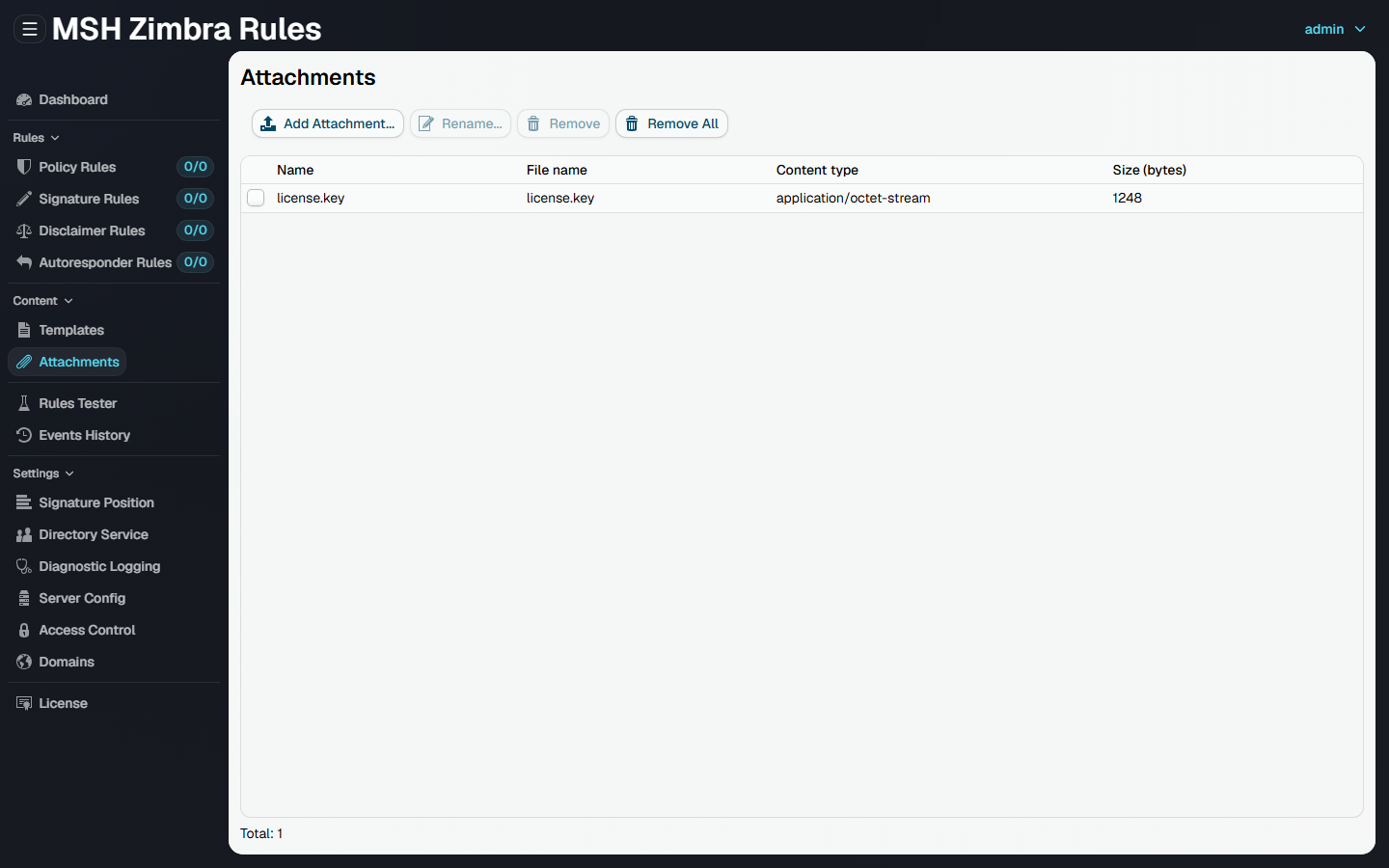
Attachments uploaded here are stored on the mail server, so you can upload a file once from your local machine and reference it from any number of rules.
The list shows each attachment with its name, file name, content type and size.
Add attachment
Add Attachment... opens a file chooser and uploads the selected file from your local machine. The maximum size of a single attachment is 10 MB.
The attachment name shown on the list defaults to the file name and can be changed with Rename.... The original file name is kept and used as the attachment file name in the delivered message.
Remove attachment
Remove deletes the selected attachment; Remove All deletes all of them. A rule referencing a removed attachment skips the Add attachment action.
Attachment files are stored under /opt/msh-zr/var/attachments on the mail server. Back up this
directory together with the configuration database.