Sort Mailing Lists and Newsletters Out of the Inbox in Zimbra
Most Inboxes are not full of mail from people. They are full of mail from software: newsletters, list traffic, release announcements, product updates. All of it carries headers that ordinary correspondence does not, which means one filter can move the lot without you naming a single sender.
Part of the series on Everyday Uses for Sieve Mail Filters in Zimbra.
The filter
require ["fileinto"];

# Discussion lists: anything with a List-Id or a Zimbra distribution list header.
if list {
    fileinto "Lists";
    stop;
}

# Newsletters and announcements: bulk mail of every other kind.
if bulk {
    fileinto "Newsletters";
    stop;
}
list and bulk are Zimbra's own tests and take no arguments. list is true when the
message carries a List-Id or X-Zimbra-DL header. bulk is broader and looks at the
headers bulk senders normally set, among them List-Unsubscribe, Precedence and
X-Report-Abuse.
Check list first. A discussion list is usually also bulk mail, and you want the more
specific folder to win.
Both folders have to exist already - fileinto will not create them.
A version without the Zimbra tests
If you would rather keep the script portable, or you want to see exactly what is being matched, the same idea works with standard tests:
require ["fileinto"];

if exists "List-Id" {
    fileinto "Lists";
    stop;
}

if exists "List-Unsubscribe" {
    fileinto "Newsletters";
    stop;
}
exists "List-Unsubscribe" is the single most useful test for newsletters, because the
header is close to universal on legitimate bulk mail and almost absent from personal mail.
A folder per list
Once more than a handful of lists arrive, one Lists folder is no better than the Inbox.
Variables can name the folder after the list itself:
require ["fileinto", "variables"];

# List-Id looks like:  Sieve discussion <sieve.ietf.org>
if header :matches "List-Id" "*<*.*>*" {
    fileinto "Lists/${2}";
    stop;
}
${2} is the second wildcard, which captures the first part of the list identifier -
sieve in the example above. Each list then gets its own subfolder the first time it
arrives.
There is a catch worth knowing before you use this: Zimbra will not create the subfolder for you. A message for a list you have no folder for is delivered to the Inbox instead, which is a reasonable failure but not an obvious one. If that is not what you want, name the folders you care about explicitly and let the rest fall into a catch-all:
require ["fileinto"];

if header :contains "List-Id" "sieve.ietf.org" {
    fileinto "Lists/Sieve";
    stop;
}

if list {
    fileinto "Lists";
    stop;
}
Keeping the ones you actually read
The point of this filter is a quieter Inbox, not an unread folder nobody opens. Two adjustments help.
Let the important lists through, by putting an exception above the general rule:
require ["fileinto"];

if header :contains "List-Id" ["security-announce.example", "status.example"] {
    keep;
    stop;
}

if list {
    fileinto "Lists";
    stop;
}
keep here is doing real work. Without it the message would fall through to the next rule
and be filed after all, because stop on its own ends the script but does not decide where
the message goes.
And mark rather than move, when a folder is too much:
require ["tag"];

if bulk {
    tag "Bulk";
}
The message stays in the Inbox with a coloured tag, which is enough to skim past it.
Applying it
Nothing here needs special configuration, so this works as a personal filter.
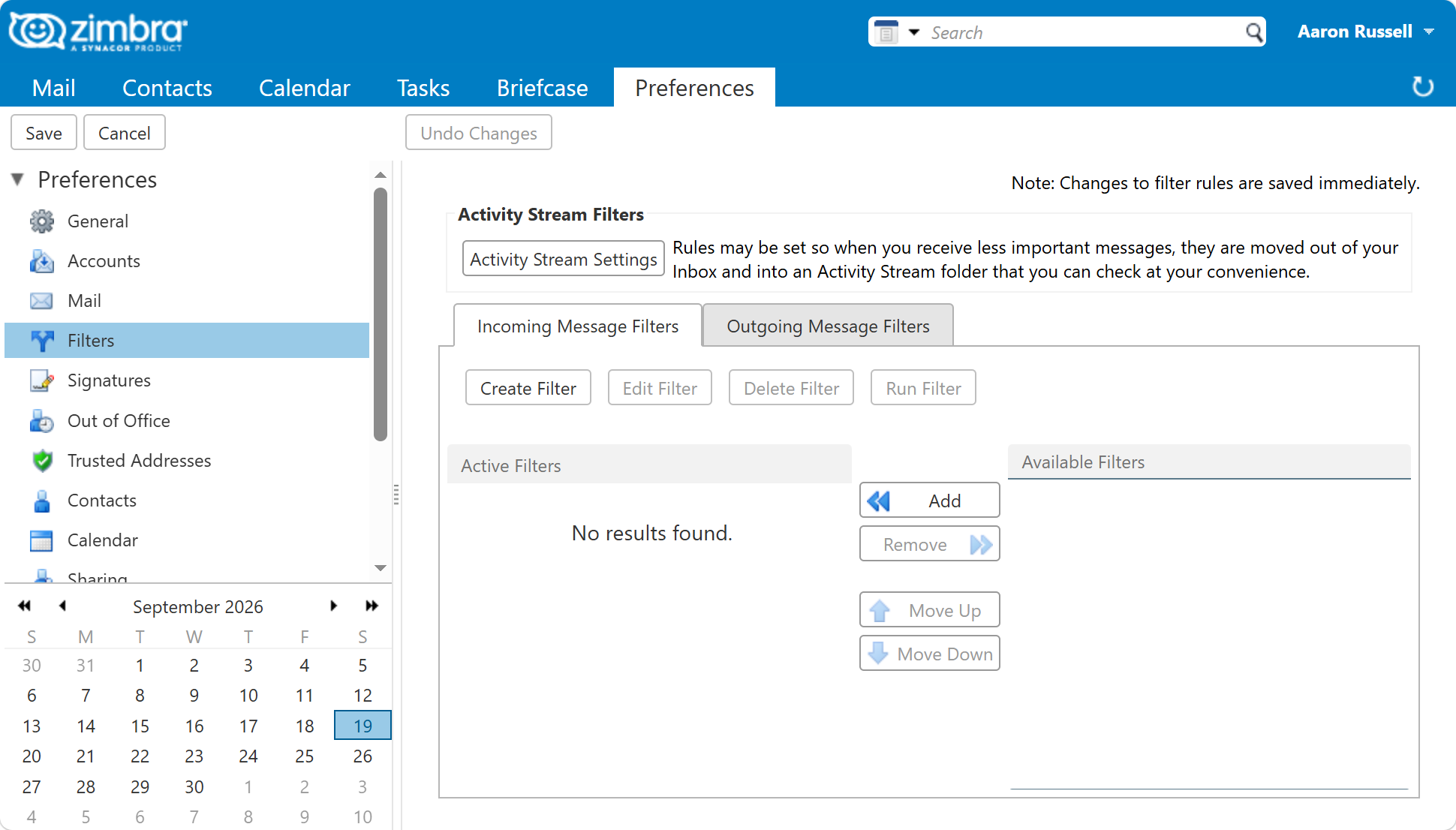
In the web client, under Preferences > Filters, with a condition on the header
List-Unsubscribe existing and an action of filing into a folder. This is the natural
place for it, because which lists matter is a personal question.
From the command line, for one user:
sudo su - zimbra -c 'zmprov ma user@example.com zimbraMailSieveScript "$(cat /tmp/lists.sieve)"'
The web client also has a Run Filter button that applies a rule to messages already in
a folder. Point it at the Inbox after installing this filter and years of accumulated
newsletters sort themselves out in one pass. Afterwards the Lists and Newsletters
folders hold the accumulated traffic, and what is left in the Inbox is mail written by
people.
Next in this series
Back to Everyday Uses for Sieve Mail Filters in Zimbra, or on to Separate Mail Sent to You from Mail You Are Copied On.