Separate Mail Sent to You from Mail You Are Copied On in Zimbra
A message addressed to you usually wants something. A message you were copied on usually wants nothing, and a message where you appear in neither field is list traffic or a Bcc. Mail clients show all three identically, which is why an Inbox with forty new messages tells you almost nothing about how much work is waiting.
Part of the series on Everyday Uses for Sieve Mail Filters in Zimbra.
The filter
require ["fileinto"];

# Not addressed to me at all: a Bcc, or a list I am on.
if not me :in "to,cc" {
    fileinto "Bulk";
    stop;
}

# In Cc but not in To: for information, not for action.
if not me :in "to" {
    fileinto "Copied";
    stop;
}

# Everything left is addressed to me, and stays in the Inbox.
me is Zimbra's own test. It is true when the named header contains one of the account's
own addresses, and it knows about the account's aliases as well as its primary address,
which is what makes it better than writing your address into a header test by hand.
Several headers go in one string, separated by commas: "to,cc", not ["to", "cc"].
This is a Zimbra quirk and a common source of a rule that silently never matches.
The order does the work. By the time the third case is reached, the first two have already filed and stopped, so anything still running is addressed to you directly. No rule is needed for it - Sieve delivers to the Inbox when nothing else claims the message.
Reading it the other way round
Some people prefer the Inbox to hold everything and the noise to be marked rather than moved. Tags do that without a single folder:
require ["tag"];

if not me :in "to,cc" {
    tag "Bcc";
}

if allof (me :in "cc", not me :in "to") {
    tag "Copied";
}
The second rule uses allof because it is asking a genuinely different question from the
filter above: not "am I missing from To" but "am I in Cc and missing from To". Without
the first half, a Bcc would be tagged Copied as well.
Adding the case that actually matters
The split becomes far more useful with one more distinction: mail addressed to you and nobody else.
require ["relational", "comparator-i;ascii-numeric", "flag", "fileinto"];

# Addressed to me and to nobody else: almost certainly needs an answer.
if allof (me :in "to",
          address :count "eq" :comparator "i;ascii-numeric" ["to", "cc"] "1") {
    flag "flagged";
    keep;
    stop;
}

if not me :in "to,cc" {
    fileinto "Bulk";
    stop;
}

if not me :in "to" {
    fileinto "Copied";
    stop;
}
address :count counts how many addresses appear across the named headers, and comparing
it to 1 isolates the one-to-one messages. These are the messages where no one else can
pick the work up, and flagging them is usually more valuable than any amount of foldering.
keep is needed here because a flag action does not decide where the message goes, and
without it the message would carry on to the rules below.
A warning about distribution lists
If your address is reached through a distribution list, your own address appears in neither
To nor Cc - the list's address does. The first rule therefore files all list traffic
into Bulk, which is usually what you want but occasionally is not, for example on a small
team alias that people use instead of naming individuals.
Handle those by name, above the general rule:
require ["fileinto"];

if address :is ["to", "cc"] "support@example.com" {
    keep;
    stop;
}

if not me :in "to,cc" {
    fileinto "Bulk";
    stop;
}
Applying it
Nothing here needs special configuration, and the whole point is personal, so this belongs in a user's own filters rather than a domain script.
In the web client, under Preferences > Filters. The rule builder has to or cc among its conditions, and does not match for the negative case.
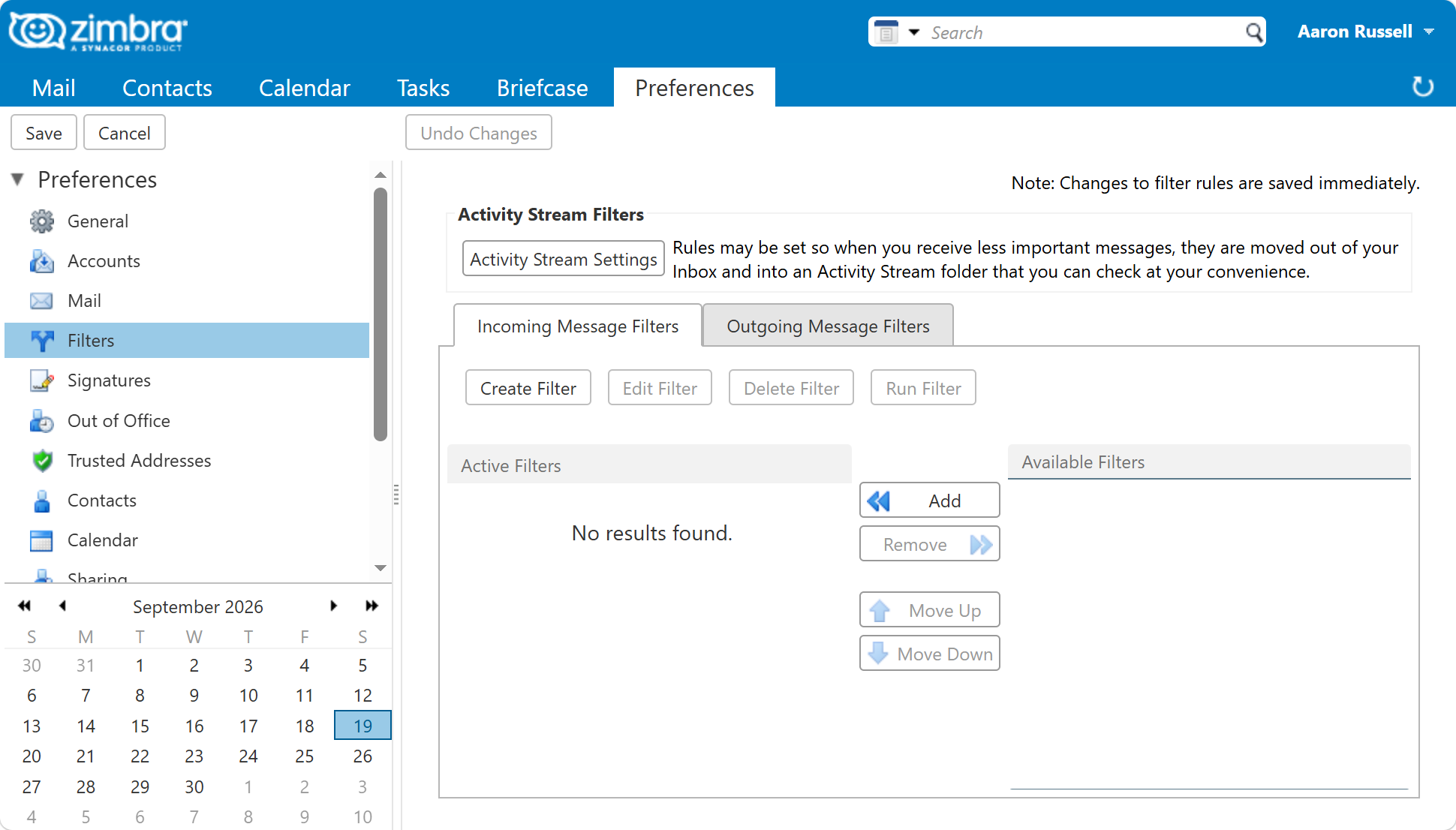
From the command line, for one user:
sudo su - zimbra -c 'zmprov ma user@example.com zimbraMailSieveScript "$(cat /tmp/tocc.sieve)"'
Test it with three messages before trusting it: one addressed to you, one where you are in
Cc, and one sent to a list you are on. Each should land somewhere different: the Inbox,
Copied and Bulk. If all three arrive in the same place, the usual cause is to,cc
written as a two-element list rather than as one comma-separated string.
Next in this series
Back to Everyday Uses for Sieve Mail Filters in Zimbra, or on to Give Every Service Its Own Plus Address.