Signature
Select a template for the signature to be applied when the rule conditions are met.
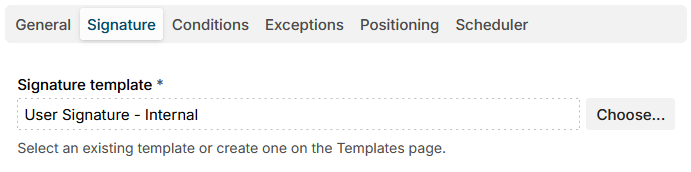
Template
Choose a template for the signature. You can select from existing templates or create a new one on the Templates page.
info
In signature templates, user attribute, message and misc variables are replaced. User attributes are those of the message sender, looked up in the Directory service data. A user attribute is replaced with an empty string when the sender is not found in the directory or the attribute has no value. See Variables for the list of placeholders.
Additional resources
- Templates - create and manage email templates.