Message history
Message History lists all actions performed on processed email messages.
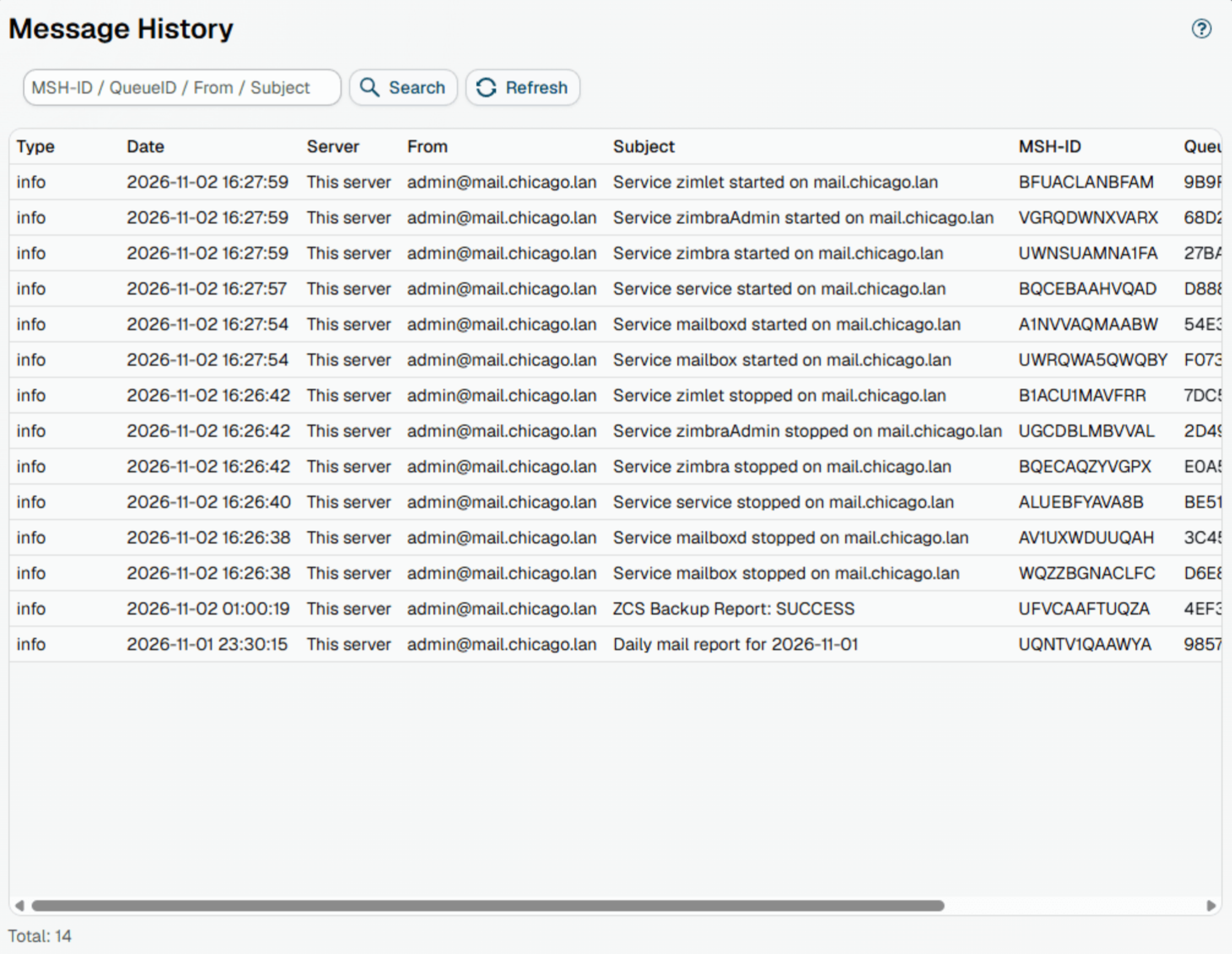
If Diagnostic logging is enabled, each processed message appears on the list with these columns:
| Column | Shows |
|---|---|
| Type | The most severe entry in the processing trace: info when processing went without problems, warn when the trace has a warning, erro when it has an error |
| Date | When the milter processed the message, in the time zone of the web admin server |
| Server | The server whose milter processed the message |
| From | The sender address of the message |
| Subject | The subject of the message |
| MSH-ID | The identifier MSH Zimbra Rules gives each message it processes. An attachment without a file name that a rule saves or strips is stored under this ID |
| QueueID | The Postfix queue ID of the message, to find it in the Zimbra mail log (/var/log/zimbra.log) |
| Time (ms) | How long the milter took to process the message, in milliseconds |
| Status | The answer the milter gave Postfix for the message: accept (delivered, with any changes the rules made), or discard, reject, tempfail or custom when a Block message action blocked it |
Use the search field to filter the list by MSH-ID, queue ID, sender or subject.
Click a message to open its details. The details show the complete processing trace for the message - which rules were evaluated, which conditions matched, and what actions were applied.
With several MTA servers, the list shows the messages of all servers together. A server that does not answer within 10 seconds is named on the page, and its messages are missing from the list until it answers again.
Additional resources
- Check Diagnostic logging