Positioning
Define where the signature will be placed in the email when the rule conditions are met.
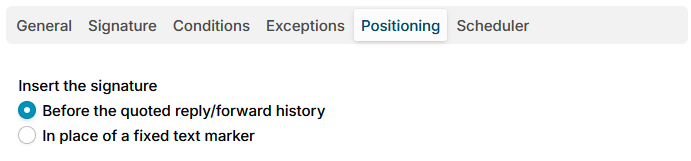
The Insert the signature option has two settings:
- Before the quoted reply/forward history - the default. The application detects where the quoted reply or forward history starts, using the separator patterns configured on the Signature position settings page, and inserts the signature above it.
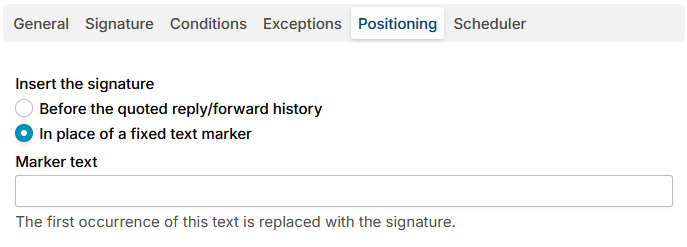
- In place of a fixed text marker - the first occurrence of the text entered in the Marker text field is replaced with the signature, in both the text and the HTML part of the message. For example, put a
-- SIGNATURE --marker in emails, select this option and enter-- SIGNATURE --as the marker text. If a message carries no marker, the signature falls back to the default positioning before the quoted reply/forward history.
Additional resources
- Signature position - manage the reply/forward separator patterns.