Name
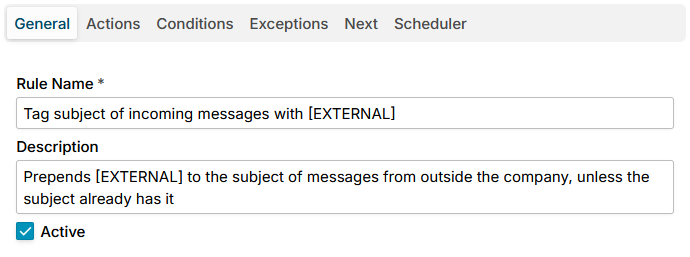
The name field is required. Enter a concise, descriptive name that clearly identifies the rule's purpose.
The description field is optional but recommended. Use it to provide multi-line details such as when the rule applies, expected behavior, examples, and any exceptions. Break text into short paragraphs or bullet points for readability so team members can quickly understand and maintain the rule.
When the Active checkbox is unchecked, the rule is disabled, and no actions will be performed on matching messages. Check the box to enable the rule so its actions are executed when a message meets the rule's conditions.