Signature rules
Signature rules allow the application to automatically append predefined user signatures to emails based on specific conditions. This feature ensures consistent branding and compliance with company policies.
note
Signature rules leave signed and encrypted messages untouched. Inserting a signature would break the sender's digital signature, and the text of an encrypted message cannot be changed. The processing trace shows Cannot add signature to signed message. (or encrypted). Use the Encrypted and Signed values of the Message type condition to find these messages.
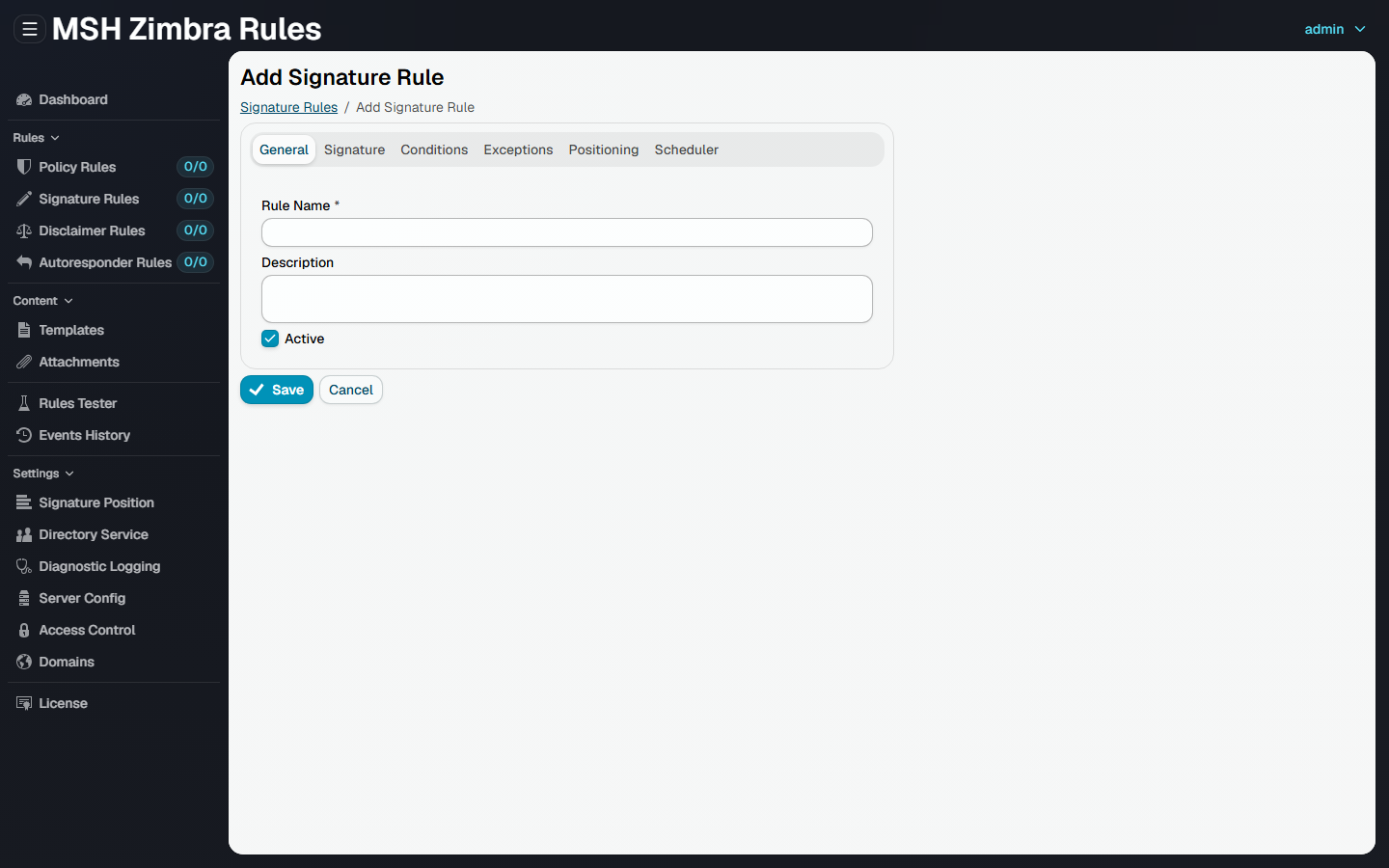
Tabs
| Tab | What it sets |
|---|---|
| General | The name, description and whether the rule is active |
| Signature | The signature template to add, see Signature |
| Conditions | Which messages the rule applies to, see Conditions & exceptions |
| Exceptions | Which messages the rule skips, see Conditions & exceptions |
| Positioning | Where the signature goes in the message, see Positioning |
| Scheduler | When the rule is active, see Scheduler |