Disclaimer rules
Disclaimer rules enable the automatic addition of legal disclaimers or informational text to emails based on specified conditions.
This helps ensure compliance with legal requirements and company policies regarding email communications.
note
Disclaimer rules leave signed and encrypted messages untouched. Inserting a disclaimer would break the sender's digital signature, and the text of an encrypted message cannot be changed. The processing trace shows Cannot add disclaimer to signed message. (or encrypted). Use the Encrypted and Signed values of the Message type condition to find these messages.
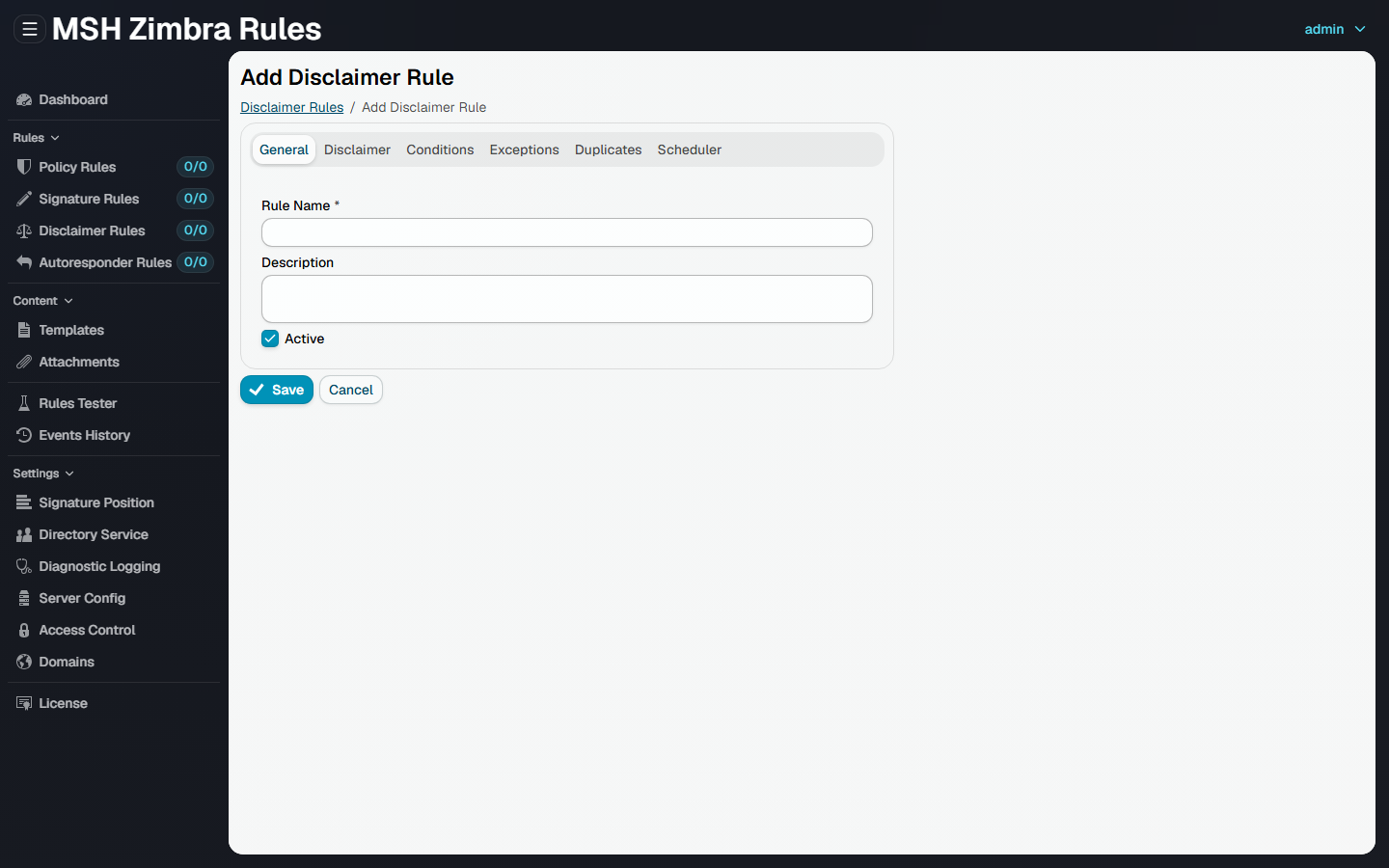
Tabs
| Tab | What it sets |
|---|---|
| General | The name, description and whether the rule is active |
| Disclaimer | The disclaimer template and its position, see Disclaimer |
| Conditions | Which messages the rule applies to, see Conditions & exceptions |
| Exceptions | Which messages the rule skips, see Conditions & exceptions |
| Duplicates | Keeps the same disclaimer from being added to a message more than once, see Duplicates |
| Scheduler | When the rule is active, see Scheduler |