Block a Sender or a Whole Domain in Zimbra with Sieve
Some senders keep writing long after being asked to stop, and some domains send nothing anyone needs. Sieve can stop their mail at delivery, for one mailbox or for the whole organization. The script is trivial. The interesting decision is how to refuse, because the four options differ in what the sender learns.
Part of the series on Everyday Uses for Sieve Mail Filters in Zimbra.
The filter
require ["envelope"];

if anyof (envelope :domain :is "from" ["spam.example", "marketing.example"],
          envelope :is "from" ["persistent@sender.example",
                               "noreply@oldvendor.example"]) {
    discard;
    stop;
}
envelope :domain :is blocks an entire domain, envelope :is blocks one exact address,
and anyof lets a single rule carry both lists. Add addresses to the lists as you go.
Use envelope rather than address here. The envelope sender is set by the delivering
server, so a sender who changes the From: header to get around your block is still
caught.
Choosing how to refuse
discard is only one of four ways to end this rule, and they behave very differently.
| Action | What the sender learns | Where the message goes |
|---|---|---|
discard | Nothing at all | Deleted silently |
fileinto "Junk" | Nothing | Junk folder, still readable |
reject | Gets a refusal notice back | Not stored |
ereject | Gets an SMTP bounce | Refused at delivery |
discard is the right default. The message disappears without a trace and the sender
gets no signal. That last part matters for bulk senders, because a bounce confirms the
address is real and being read.
fileinto "Junk" is the safe default. It is the same rule with the delete replaced by
a folder, and it gives you a month of evidence that the block is catching what you intended
and nothing else. Start here and switch to discard once you trust the list.
require ["envelope", "fileinto"];

if envelope :domain :is "from" "spam.example" {
    fileinto "Junk";
    stop;
}
reject and ereject tell the sender. Use them when the sender is a person who should
know their mail is not getting through - a former supplier still emailing an old contact,
for instance - and not for anything resembling spam.
require ["envelope", "ereject"];

if envelope :domain :is "from" "oldvendor.example" {
    ereject "This address no longer accepts mail from your organization.";
}
reject accepts the message and then mails the sender a refusal containing your text. It
works only while zimbraSieveRejectMailEnabled is TRUE, which is the default. ereject
refuses the delivery itself: Zimbra answers Postfix with 550 5.7.1 Message rejected and
Postfix bounces it. Your text is not passed on to the sender, so with ereject treat the
string as a comment.
Blocking a pattern rather than a list
:matches blocks a family of subdomains in one line, which is useful against senders who
rotate through them:
require ["envelope"];

if envelope :domain :matches "from" ["*.spam.example", "*.bulk.example"] {
    discard;
    stop;
}
Note that *.spam.example matches mail.spam.example but not spam.example itself. List
both if you want both.
Resist the urge to go broader than this. A rule like :matches "from" "*marketing*" will
eventually eat a message someone needed, and because discard leaves no trace, nobody will
ever find out why.
Applying it
Nothing here needs editheader, so the filter works at any level without configuration.
For one user:
sudo su - zimbra -c 'zmprov ma user@example.com zimbraMailSieveScript "$(cat /tmp/block.sieve)"'
For a whole domain, as an admin script that runs before anyone's own filters:
sudo su - zimbra -c 'zmprov md example.com zimbraAdminSieveScriptBefore "$(cat /tmp/block.sieve)"'

# check what is stored
sudo su - zimbra -c 'zmprov gd example.com zimbraAdminSieveScriptBefore'
In the web client, a user can build the same rule under Preferences > Filters with a condition on the sender and an action of Discard or Move into folder.
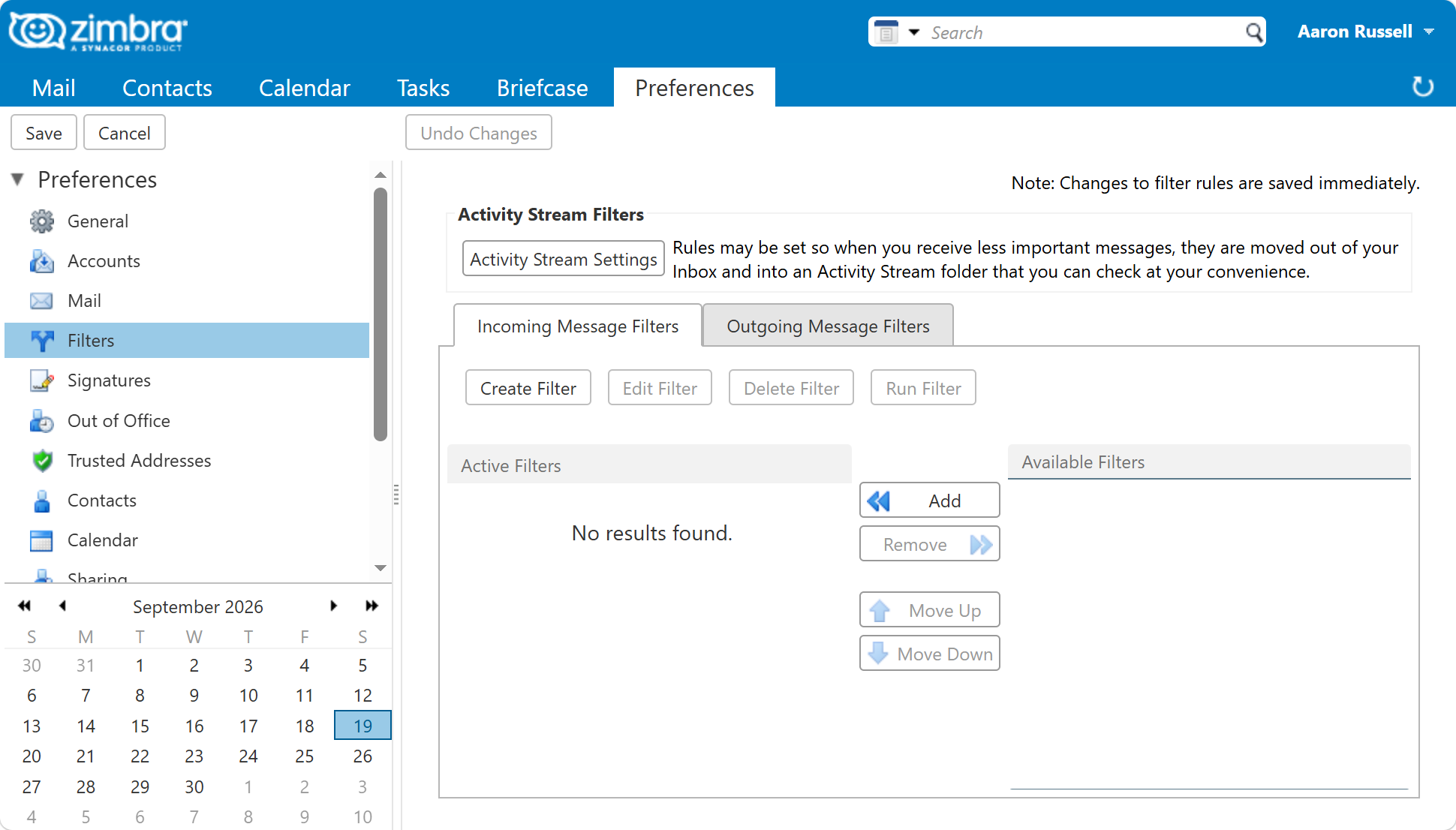
In the rule builder this is a single condition - From matching the address or the
domain - with Discard or Move into folder as the action, and Do not process
additional filters ticked to get the effect of stop.
Blocking earlier is usually better
A Sieve block still costs you the whole delivery. Postfix accepts the message, amavis scans it, the mailbox server stores it and then the script throws it away. For one nuisance sender that is fine. For a domain sending thousands of messages a day it is wasted work, and the right place to refuse is Postfix, where the message is turned away during the SMTP session and never enters the system:
# on the Zimbra server, as the zimbra user
sudo su - zimbra -c 'zmprov mcf +zimbraMtaRestriction "check_sender_access lmdb:/opt/zimbra/conf/postfix_reject_sender"'
MSH Zimbra Rules sits at the same point in the path and can refuse a message during the SMTP session based on rules you manage in a web interface, per domain, without editing Postfix maps by hand.
Use Sieve when the block belongs to one mailbox or one small list. Use the MTA when it belongs to the whole server.
Next in this series
Back to Everyday Uses for Sieve Mail Filters in Zimbra, or on to Sort Mailing Lists and Newsletters Out of the Inbox.