Directory service
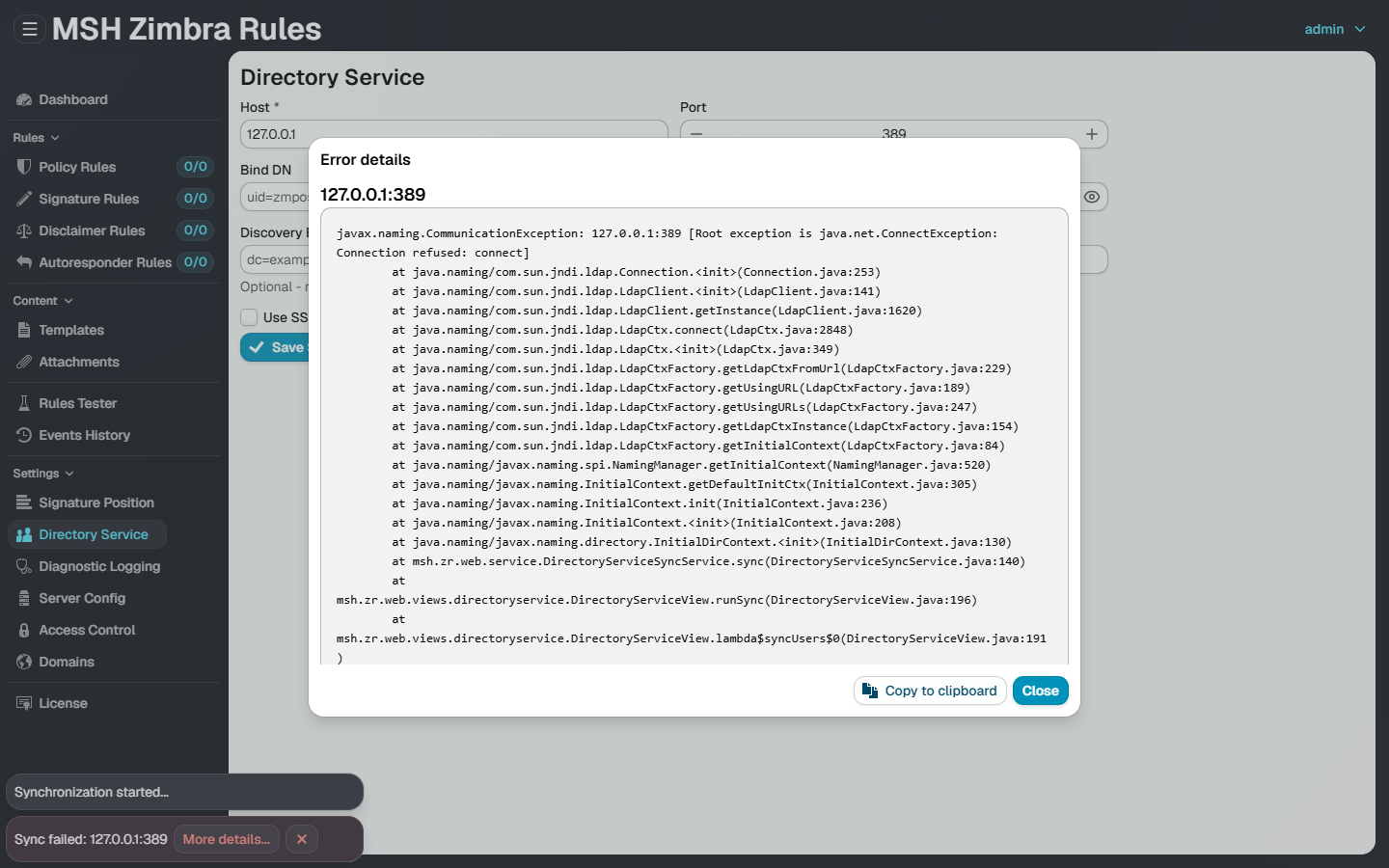
The Directory Service page of the web admin UI syncs users, groups and domains from Zimbra's built-in OpenLDAP. Use this page to verify the connection parameters and diagnose why a synchronization fails or returns no accounts.
For the general configuration walkthrough see the Directory service page.
Recommended connection settings
Bind with Zimbra's own LDAP account uid=zimbra,cn=admins,cn=zimbra - it can filter accounts by zimbraAccountStatus and read the photo attributes jpegPhoto and thumbnailPhoto, which a restricted, read-only application account cannot.
Example for the mail domain example.com on the Zimbra host mail.example.com:
| Field | Value |
|---|---|
| Host | mail.example.com |
| Port | 389 |
| Bind DN | uid=zimbra,cn=admins,cn=zimbra |
| Password | on the Zimbra host: zmlocalconfig -s -m nokey zimbra_ldap_password |
| Base DN | dc=example,dc=com (the mail domain with each dot as a dc= part) |
All zmlocalconfig and zmprov commands run on the Zimbra server as the zimbra user (sudo su - zimbra).
1. Get the bind password
sudo su - zimbra
zmlocalconfig -s -m nokey zimbra_ldap_password
Copy the printed value into the Password field of the directory service configuration.
2. Discover the mail domains
Each Zimbra mail domain maps to a base DN: the domain example.com becomes dc=example,dc=com. List the domains:
zmprov gad
3. Verify with ldapsearch
Verify that the bind works and the base DN returns accounts. Run it from the host where MSH Zimbra Rules is installed - if the services run on a separate machine this also proves port 389 is reachable through the firewall:
ldapsearch -x -H ldap://mail.example.com:389 -D "uid=zimbra,cn=admins,cn=zimbra" \
  -w "<zimbra_ldap_password>" -b "dc=example,dc=com" \
  "(&(objectClass=zimbraAccount)(|(zimbraAccountStatus=active)(zimbraAccountStatus=locked))(!(zimbraIsSystemAccount=TRUE))(!(zimbraIsSystemResource=TRUE))(!(objectClass=zimbraCalendarResource)))" \
  mail displayName zimbraAccountStatus
- If the command lists your accounts, the same parameters will work on the Directory Service page.
ldap_bind: Invalid credentials (49)- wrong bind DN or password; re-read the password with thezmlocalconfigcommand above.Can't contact LDAP server (-1)- wrong host or port, or a firewall blocks port389between the application host and the Zimbra LDAP server.- Zero results with a successful bind - wrong base DN; check the domain spelling and the
dc=mapping withzmprov gad.
Notes
- The user sync includes accounts with status
activeorlocked, and excludes Zimbra system accounts (admin@,galsync@,spam.*,ham.*,virus-quarantine.*).
Additional resources
- Directory service - configuring the synchronization in the web admin UI
- Logs - where the application logs the synchronization steps